Apache forward proxy
First published July 31, 2020 • Last modified on July 25, 2026 • 1 min read • 172 wordsHow to install a forward proxy?
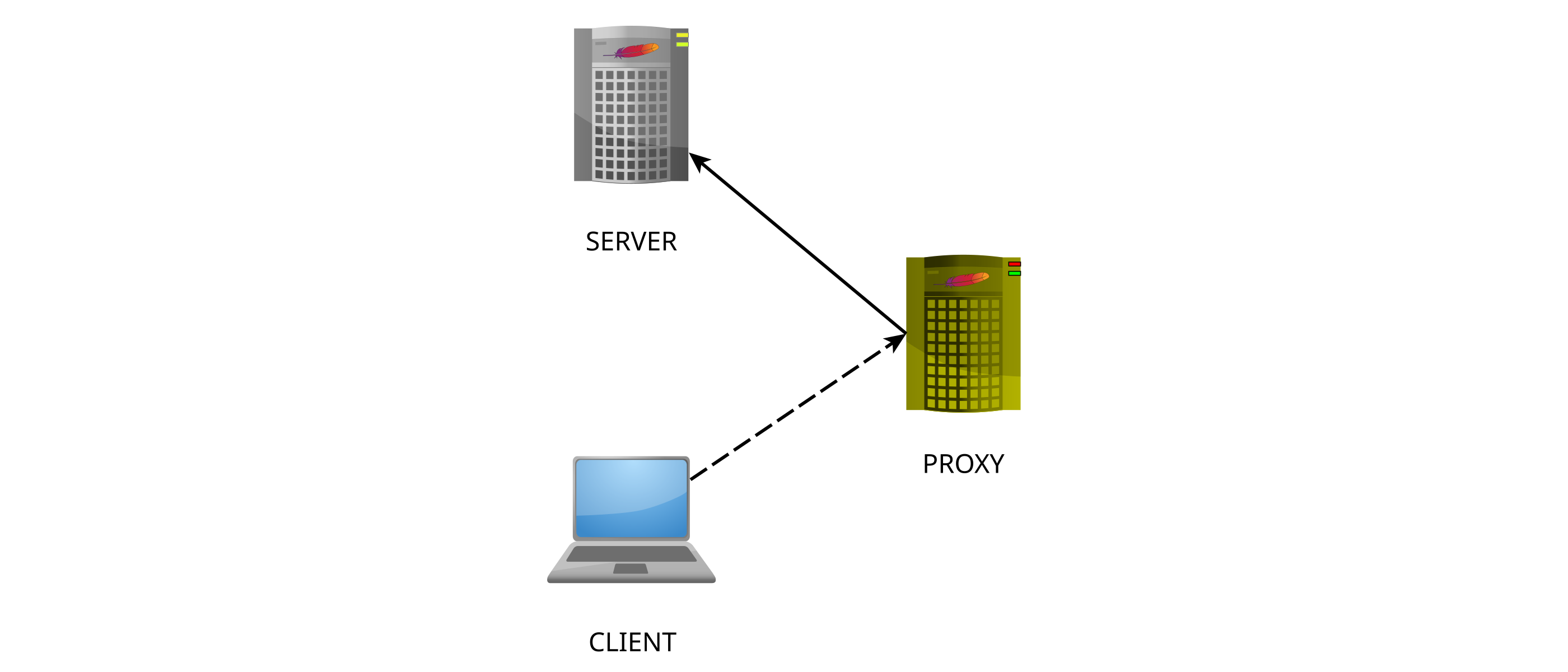
Anyway: What is a forward proxy (and what is a reverse proxy for that matter)? If the proxy is a forward proxy, the server thinks the proxy is the client. If the proxy is a reverse proxy, the client thinks the proxy is the server.
How to install a forward proxy using Apache:
- In a typical multi-host environment, you need to add a virtual server to the apache configuration. In order to do that, add a file (e.g. ForwardProxy.conf) to the sites-available directory. This file must contain the following configuration lines for the proxy to listen on port 8080:
ProxyRequests On
ProxyVia On
Require ip 192.168
ErrorLog /var/log/apache2/error_ForwardProxy.log
CustomLog /var/log/apache2/access_ForwardProxy.log combined- You need to enable the modules proxy, proxy_http, and proxy_connect.
- In the mods-enabled/proxy.conf file, you need to uncomment the “ProxyRequests On” line and the following block.
- In the ports.conf file, you need to add the line “Listen 8080” below the line “Listen 80”
- Don’t forget to enable the mods, the virtual server, and to restart the server to activate the changes!