The Asustor AS-304T NAS cannot mount contemporary ext4 filesystems
First published January 22, 2026 • Last modified on July 18, 2026 • 2 min read • 254 words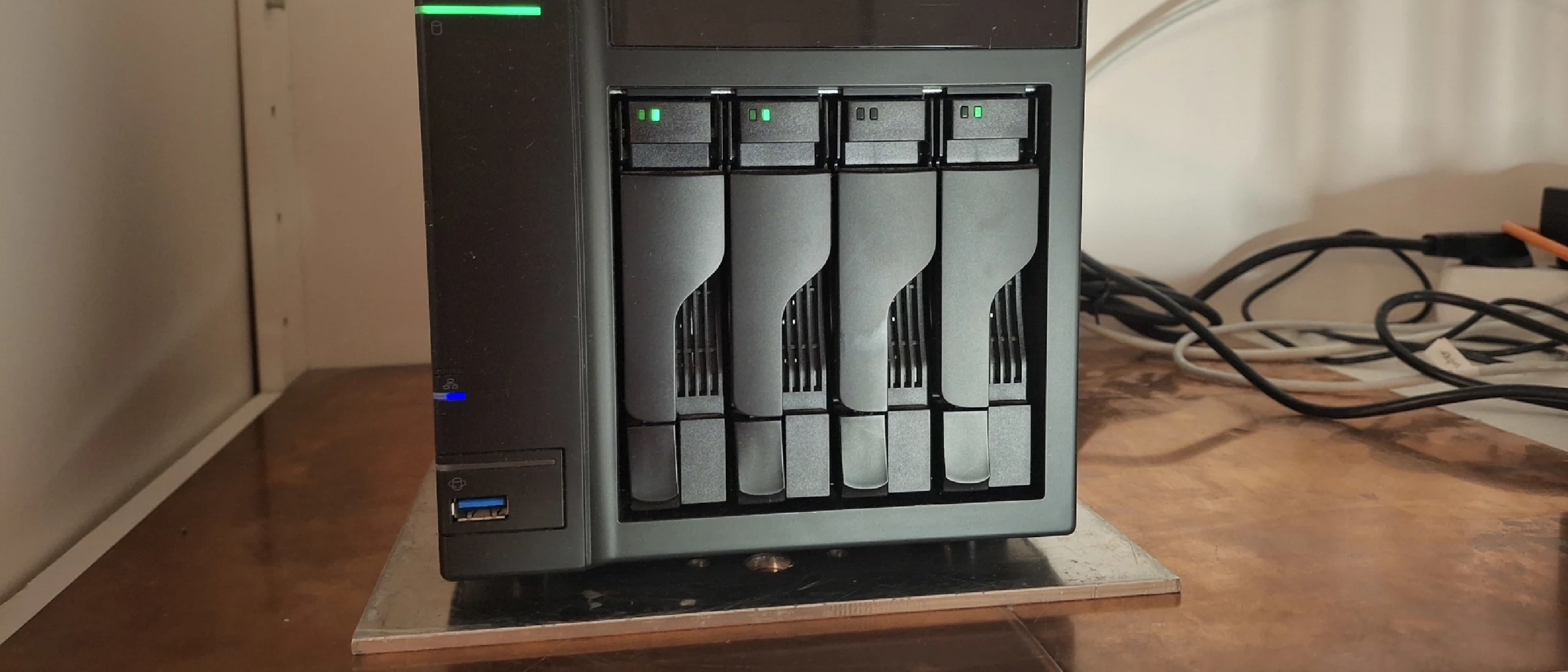
The Asustore AS-303T is meanwhile quite old (from 2013), but I still wanted to keep it around to store backups from the last 15 years or so. I originally had placed four 2TB-drives into the device, but now I happened to have four old 3TB-drives lying around and I wanted to use them to maximize the storage capacity. So I temporarily copied the data from the NAS’s RAID to a few external drives before upgrading the NAS with the 3TB-drives. I did some of the copying via a direct point-to-point cable connection with my laptop , which was a bad idea, because when I later tried to copy back the data using the local USB3-port on the NAS, the NAS’ operating system did not recognize the ext4 file system, that my Ubuntu 24.04 had been using. It turns out that the Asustor NAS uses BusyBox v1.19.3, and even though it can read the ext4 filesystem, it does not know the modern ext4 features and thus failed to mount the drives (ADM version 3.5.9.RWM1, which received its latest update on August 29th, 2022). In order for the Asustor OS to recogize these drives, I needed to “downgrade” the ext4 filesystem. Below are the necessary commands to disable the newer ext4 features:
First unmount the drive if it is mounted:
umount /media/mjeltsch/BACKUP_DISK/Check the file system for integrity:
e2fsck -f /dev/sda1Disable the 64-bit addressing feature:
tune2fs -O ^64bit /dev/sda1Apparently, you can do the same with this command:
resize2fs -s /dev/sda1Remove the metadata_csum feature:
tune2fs -O ^metadata_csum /dev/sda1