Poster printing without an A0 printer
First published May 15, 2014 • Last modified on July 25, 2026 • 2 min read • 358 wordsI failed to prepare my poster for the GRC conference on Molecular Mechanisms in Lymphatic Function & Disease in time.
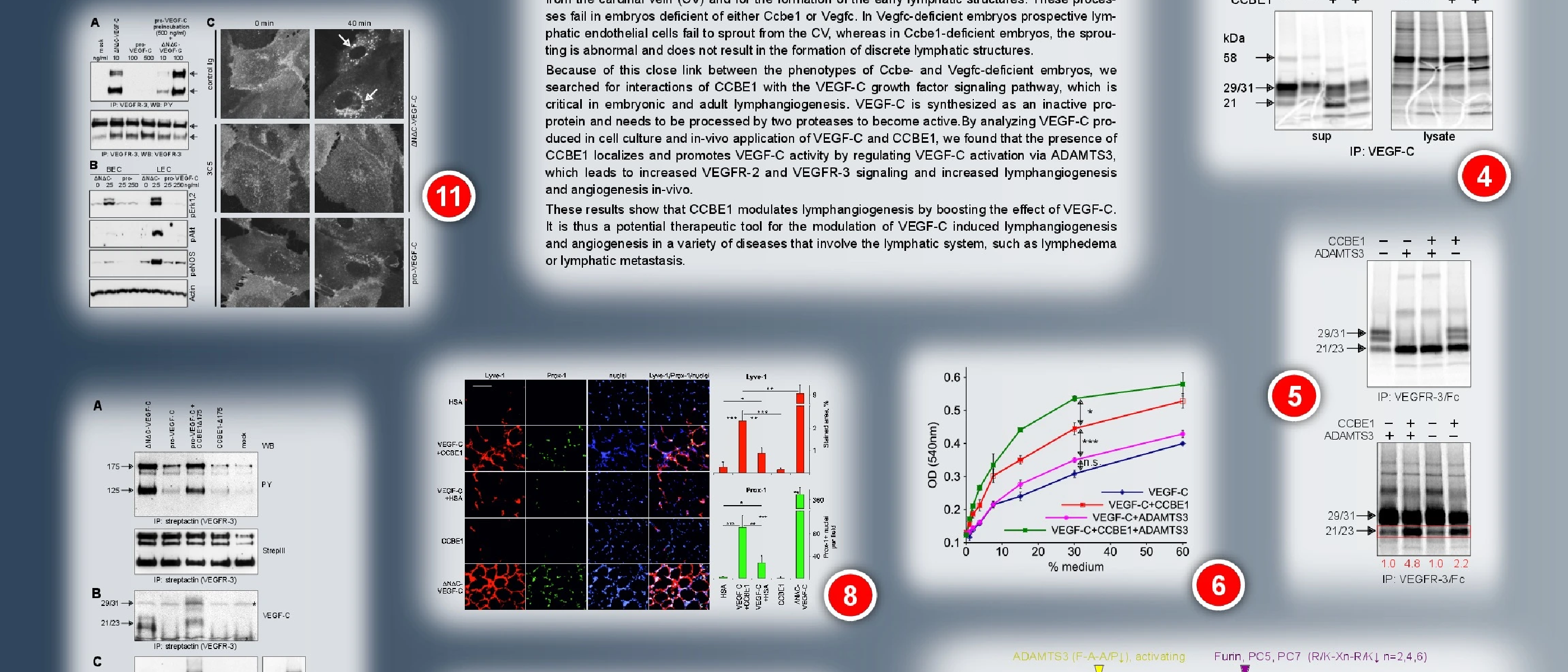
pdfposter -mA3 -pA0 input.pdf output.pdf Pdfposter also doesn’t create overlaps. A solution, that always should work is to convert the PDF into an image (convert -density 150 input.pdf output.png) and then use
PosteRazor
to create individual PDF files from that image. However, conversion of a A0 pdf into a high res image can last hours. Use a .png file! PosteRazor refused to work on a 60 MB TIF file. The background gradient conversion results in visible colour steps. In order to avoid that, you would have to define the background gradient as an image rather than a vector element. Otherwise PosteRazor worked well; unlike in pdfposter you can define overlaps for the assembly.I have been using
Inkscape
to prepare my poster and usually I export it from there as a PDF file. This did not work this time because the program consistently crashed during the export. Hence I tried to save it as an encapsulated postscript file and to distil it into a PDF. When exporting from Inkscape (actually it is “Save as”), I selected the following options:Postscript level 3Rasterize filter effects: yesResolution for rasterisation: something between 150 to 300Export area is page: yesAfter distilling it, I printed it from Acrobat Pro with the following options: Page setup: DIN A3, portrait orientationPage scaling: Tile large pagesAt a tile scale of 95% and an overlap of 10mm I got 9 pages (3x3), which is still OK for assembly.