Ways how to keep a process running after logging out
First published June 26, 2021 • Last modified on July 18, 2026 • 1 min read • 105 wordsThere are many ways how to keep a process running after logging out.
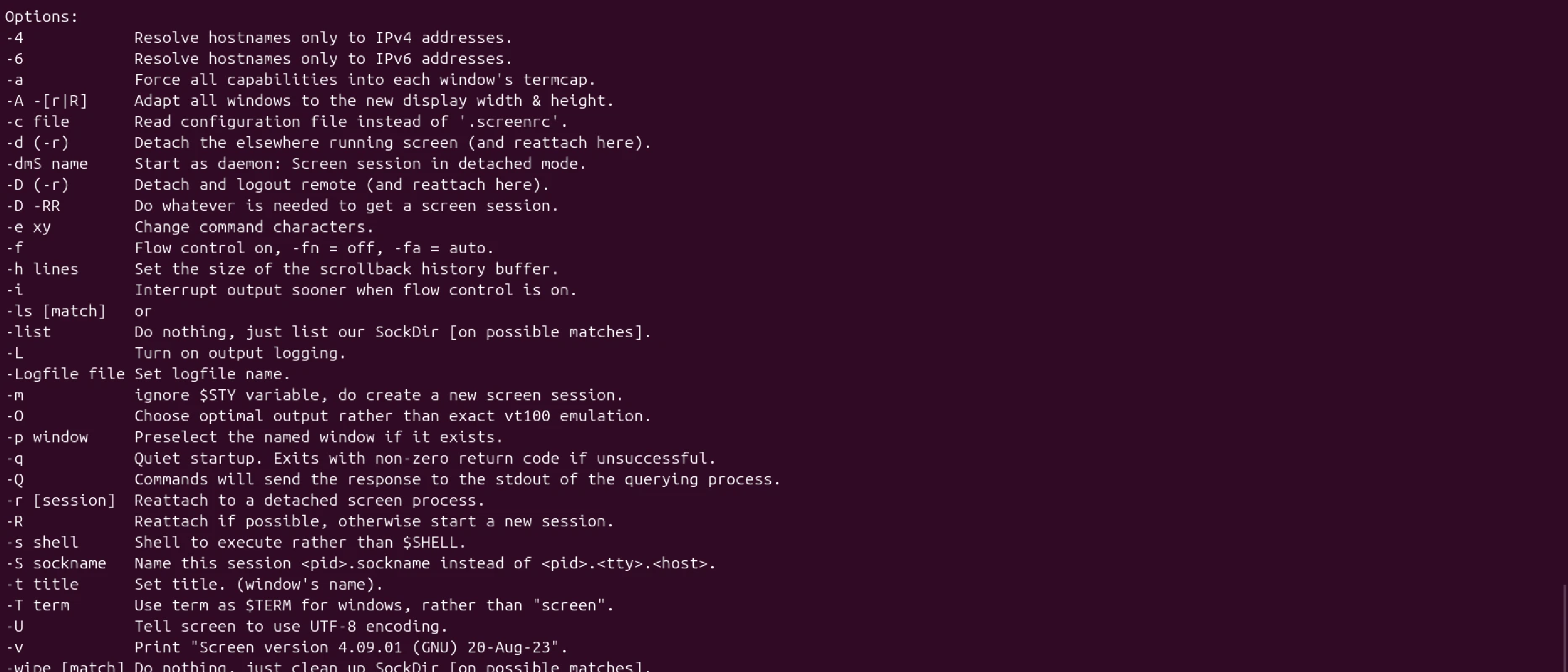
There are many ways how to keep a process running after logging out. Each if them has its own advantages and disadvantages: nohup, disown, screen, tmux, ssh2go, etc. Screen is certainly not the most feature-rich and modern solution, but it is available by default on all Linux installations. That’s why I use it. Here’s how it works:
ssh user@server.com # connect to server
screen # start screen
run-a-long-process # start process
CTRL+a,d # to detach from your screen session
exit # disconnect from the server

ssh user@server.com # reconnect
screen -r # resume the screen session
For a more in-depth tutorial, see this write-up: https://linuxhint.com/screen-linux/ .